
vSeeBox V3 Plus
For years, cable TV has been the go to option for home entertainment. But the truth is, it comes with bloated packages, rising costs and contracts that don’t give you much choice. More and more people are realizing they don’t need to pay those monthly bills just to enjoy good TV. Therefore, smart Android TV boxes come in and the vSeeBox V3 Plus is quickly becoming a favorite for anyone ready to cut the cord.
This device blends power, convenience, and affordability, giving you everything cable can’t: freedom, control, and a better viewing experience.
The Android Smart TV Box That Makes Cutting the Cable Easy
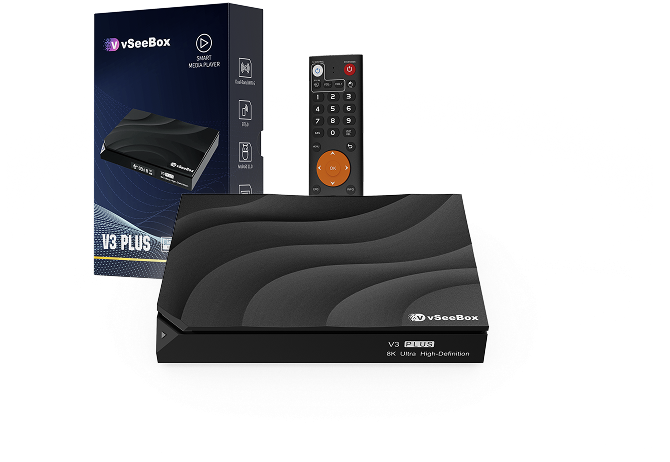
New 2025 Model
What is the vSeeBox V3 Plus?
The V3 Plus is an Android smart TV box designed to replace traditional cable setups. Compact and easy to install, it connects directly to your TV and Wi-Fi. Therefore, turning any screen into a smart entertainment hub. From Netflix and YouTube to live TV and on-demand shows, it opens the door to streaming without tying you down to expensive monthly fees.
What sets it apart from generic boxes is its hardware and software combination. The V3 Plus runs on Android 11, powered by the Amlogic 905Y4 chipset. That means smoother multitasking, faster app launches and better handling of heavy video formats compared to budget boxes.
New 2025 Model
High-Quality Performance for Modern Streaming
Entertainment has changed dramatically. People want sharper visuals, smoother playback, and zero buffering. The V3 Plus is built to deliver exactly that.
-
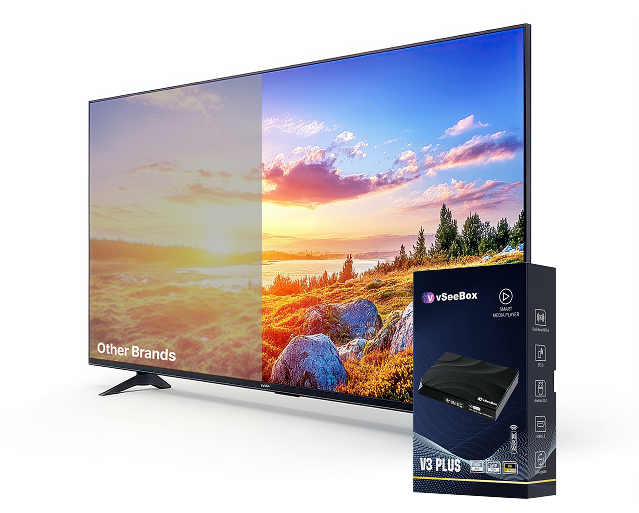
8K video output at 60fps brings unmatched clarity for movies, shows and live sports. -
10-bit HDR support enhances color depth and contrast, so every scene looks more lifelike. -
H.265 decoding ensures high quality video without draining your bandwidth. -
64GB internal storage gives you plenty of room for apps and downloads.
If you have been searching for an Android TV box 4K, the V3 Plus does not just meet that need. It goes beyond, making your viewing experience sharper and more reliable.
New 2025 Model
Smarter Connectivity Options
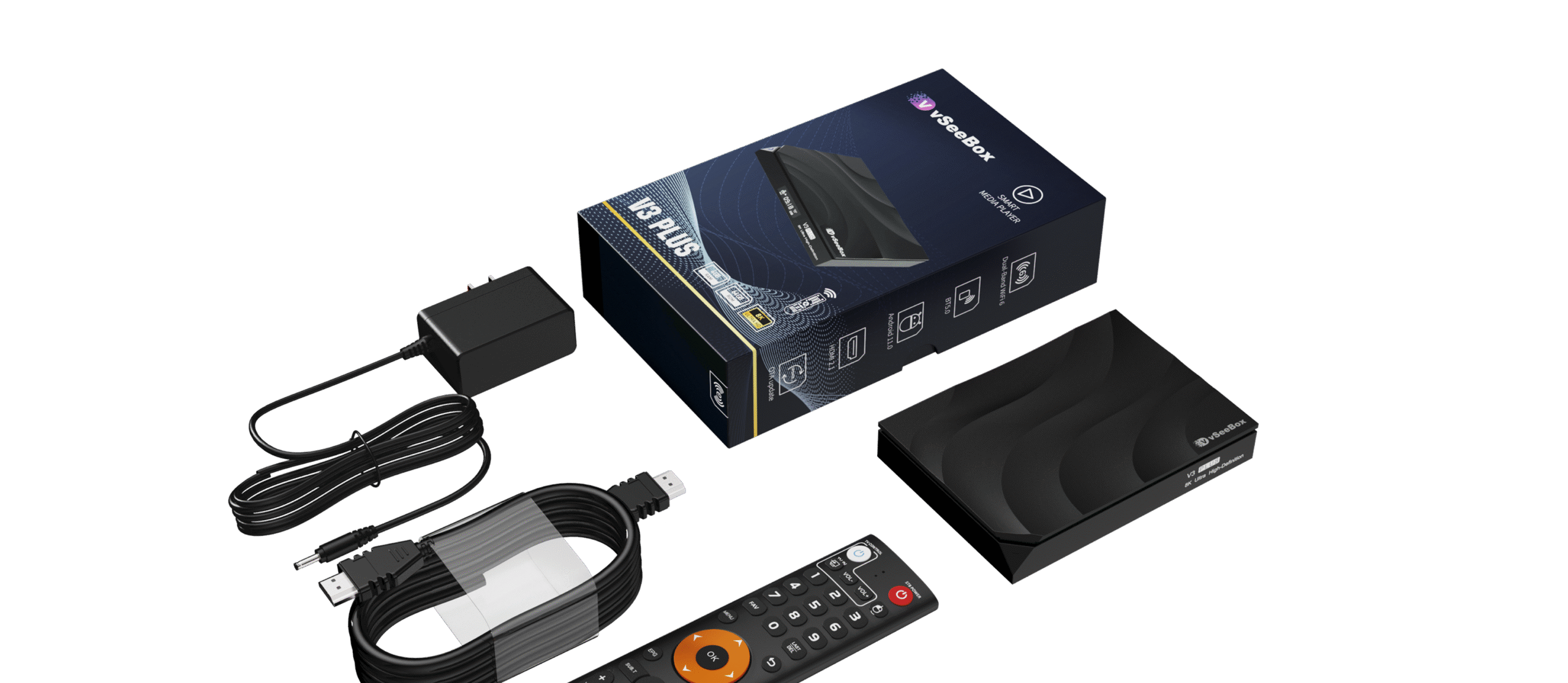
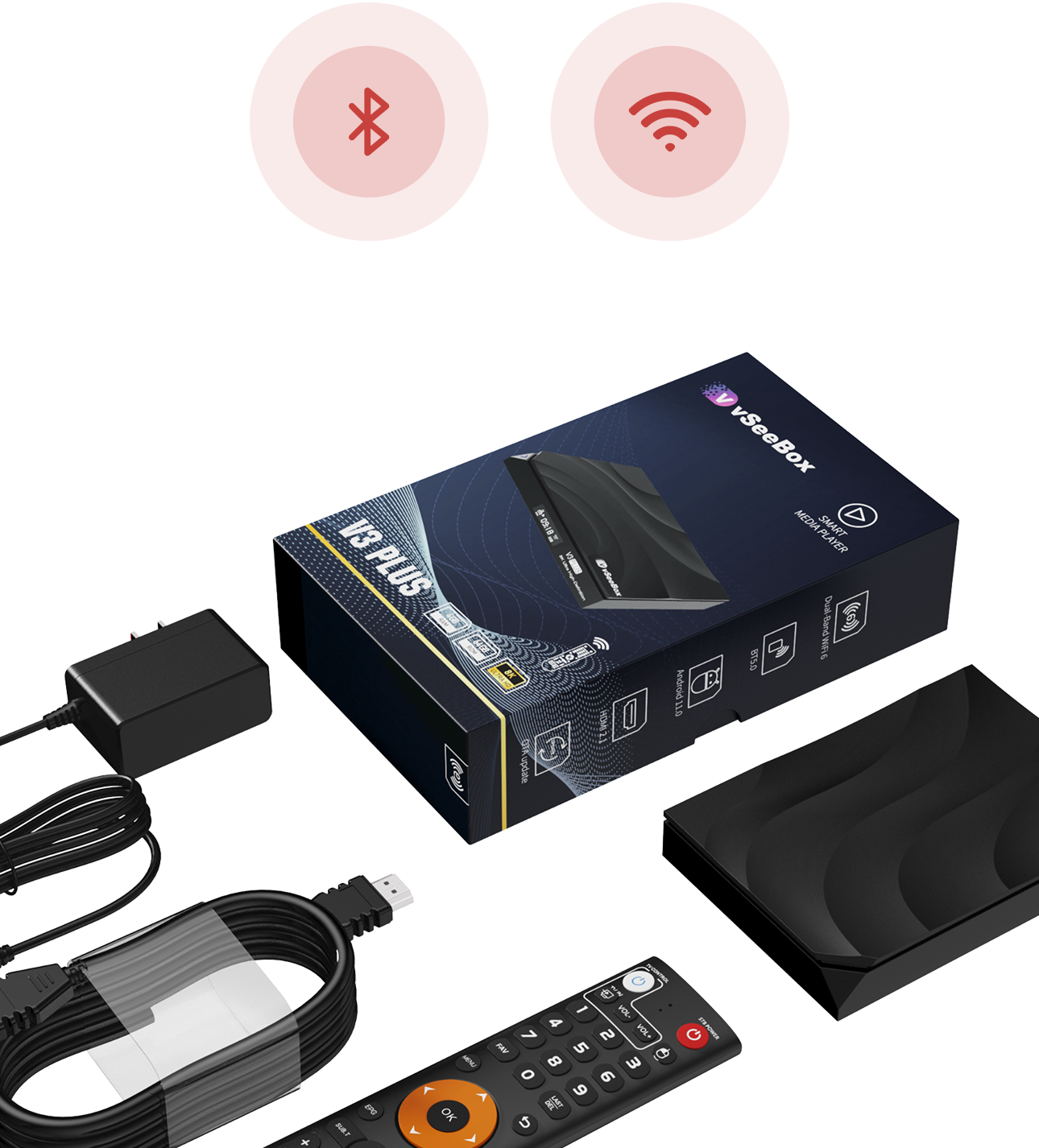
The days of tangled cable wires are over. The V3 Plus gives you multiple options for staying connected
Dual-band Wi-Fi (2.4GHz & 5GHz) keeps streaming smooth and stable.
Ethernet support is available if you prefer wired reliability.
Bluetooth 5.0 lets you connect headphones, speakers or even a game controller.
New 2025 Model
A Remote That Gets It Right
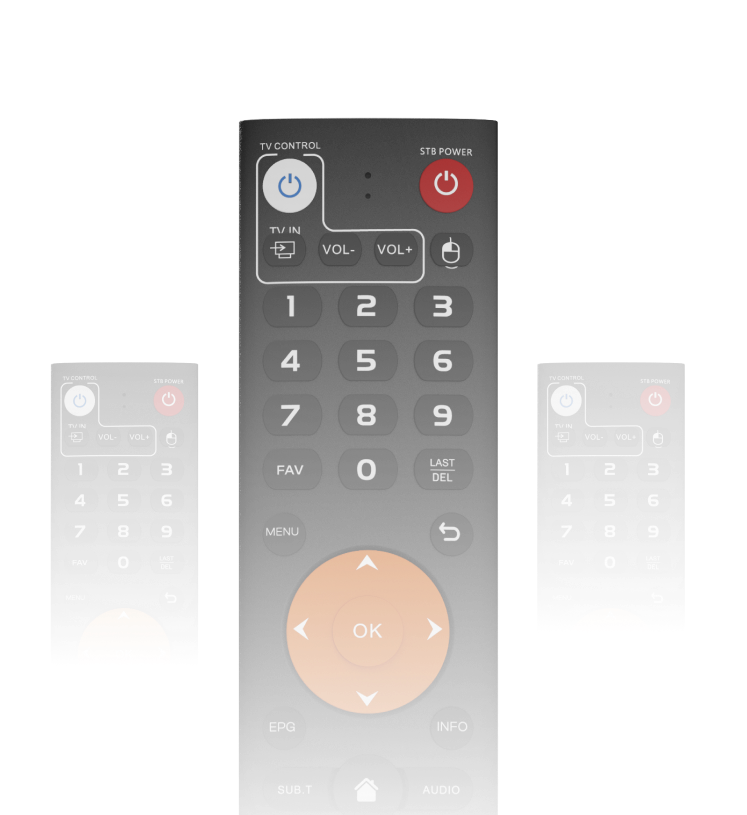
One of the biggest frustrations with streaming devices is the remote. Many are clunky, slow, or require line-of-sight. The V3 Plus fixes that with a Bluetooth remote designed for real- world use
-
Larger, well-spaced buttons. -
No need to point directly at the box. -
Comfortable design for long viewing sessions.
It might sound simple, but a good remote makes a huge difference when you’re using it every day.
New 2025 Model
Why Cutting the Cable Cord Matters
Switching to the V3 Plus isn’t just about better streaming. It is about taking control of your entertainment. Traditional cable locks you into high bills and limited options. With the V3 Plus, you get
A one time cost instead of recurring payments.
Freedom to choose the apps and services you actually watch.
Regular OTA (over-the-air) updates to keep your device current.
In short, you’re saving money and gaining flexibility.
Is the V3 Plus Worth It?
There are plenty of Android TV boxes on the market, but many underperform. Some freeze up, others lack storage, and many don’t get proper updates. The V3 Plus stands out because it was built with longevity in mind. Powerful hardware, ample storage and consistent updates make it a box you won’t regret buying.
And when you compare the Android TV box price to what you spend on cable in a single year, the math is clear. You’re saving hundreds, if not thousands, while still getting premium entertainment.
New 2025 Model
Powered by Android 11
Amlogic 905Y4 chipset
Supports 8K@60fps, 10-bit HDR decoding
4GB RAM + 64GB Storage
Built-in Wi-Fi Antenna
For better wireless reception
Bluetooth Remote Control
Responsive and easy to use
Exclusive Live Ultra App
enjoy premium live TV content with rewind/pause support
Preloaded with Heat Ultra, Heat VOD, Heat Live and more
[variation_radios id=”1610″][product_gallery_slider id=”1610″]
Final Thoughts
The vSeeBox V3 Plus is not just another gadget. It is a practical and future-ready solution for anyone tired of cable bills and outdated setups. With 8K video support, strong connectivity, generous storage, and a thoughtfully designed remote, it delivers a smooth and enjoyable experience every time you turn it on.
If you’ve been on the fence about cutting the cable cord, the V3 Plus makes the choice simple. You can check out all the details and grab yours directly from the official store. Once you switch, you’ll wonder why you didn’t do it sooner.
FAQs
Have a question? We’re here to help.
What is the vSeeBox V3 Plus?
The vSeeBox V3 Plus is a premium Android IPTV box that lets you stream live TV, sports, movies & shows — with no monthly subscription fees.
Just a one-time purchase and you’re set for life. Stream everything you love in 8K Ultra HD quality.
Do I have to pay a monthly subscription?
No way! There are no monthly bills or hidden charges.
Just connect to Wi-Fi and start watching free TV forever.
What comes in the box?
- vSeeBox V3 Plus IPTV Device
- HDMI 2.1 Cable
- Power Adapter
- Remote Control
- Quick Start Guide
Everything you need to set up in minutes.
How do I set it up?
- Plug the HDMI cable into your TV
- Connect the power adapter
- Connect to your Wi-Fi network
- Follow the on-screen setup
You’ll be streaming in under 5 minutes.
What Wi-Fi does it support?
The vSeeBox V3 Plus features Dual Band Wi-Fi 6 (2.4 GHz + 5 GHz) and Bluetooth 5.0 for faster, more stable connections.
The vSeeBox V3 Plus is a premium Android IPTV box that lets you stream live TV, sports, movies & shows — with no monthly subscription fees.
Just a one-time purchase and you’re set for life. Stream everything you love in 8K Ultra HD quality.
No way! There are no monthly bills or hidden charges.
Just connect to Wi-Fi and start watching free TV forever.
- vSeeBox V3 Plus IPTV Device
- HDMI 2.1 Cable
- Power Adapter
- Remote Control
- Quick Start Guide
Everything you need to set up in minutes.
- Plug the HDMI cable into your TV
- Connect the power adapter
- Connect to your Wi-Fi network
- Follow the on-screen setup
You’ll be streaming in under 5 minutes.
The vSeeBox V3 Plus features Dual Band Wi-Fi 6 (2.4 GHz + 5 GHz) and Bluetooth 5.0 for faster, more stable connections.
Still have questions?
Can’t find the answer you’re looking for? Please get in touch with our team.